

1
Feature Story
MLJAR Studio - Desktop App for AI Data Analysis
Jun 02, 2025 · mljar.com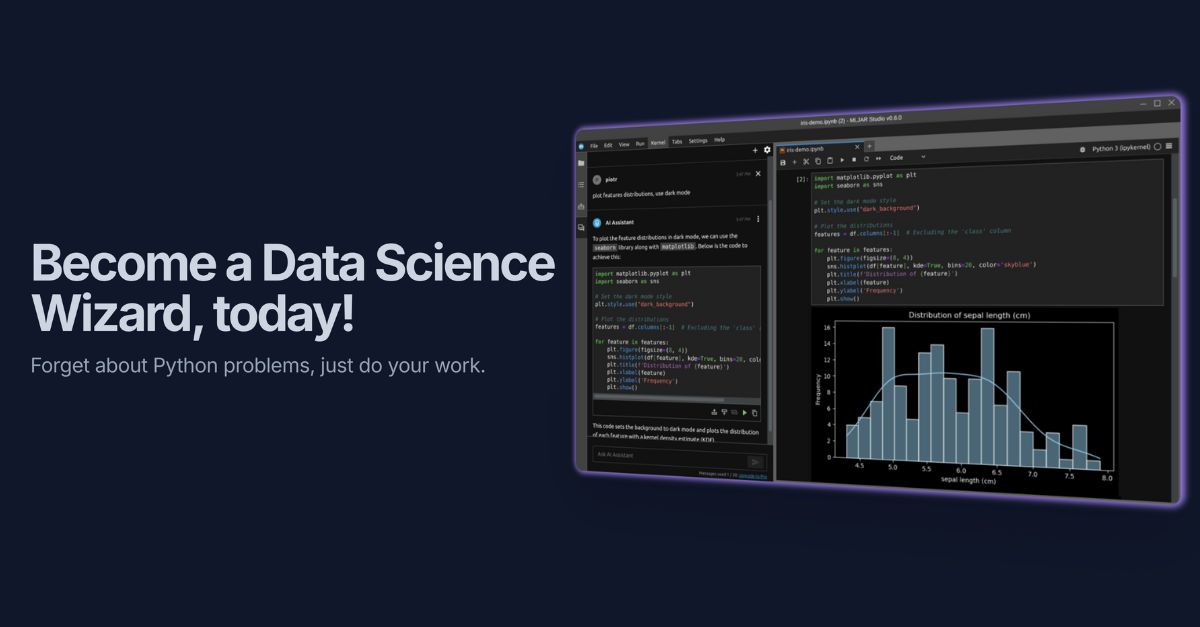
Upon completing the analysis, all work is saved in a Python notebook file, which records every step of the project and can be reused later without the AI. This feature allows users to not only learn Python but also create a comprehensive record of their data analysis. To activate AI Teacher, users can select it from the top menu in MLJAR Studio.
Key takeaways
- AI Teacher is an interactive AI agent in MLJAR Studio that helps you learn Python for data analysis.
- It guides you through data analysis tasks by providing Python code snippets with one missing part, encouraging you to understand Python syntax and logic.
- AI Teacher can automatically install new Python packages if required, ensuring you have all necessary tools.
- All your work is saved in a Python notebook file, creating a reusable record of your data analysis.